|

 
| |
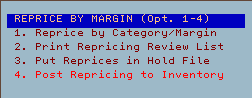
- IU 14, 1 Reprice by category/margin
- IU 14, 2 Print repricing review
listing
- IU 14, 3 Put reprices in Hold File
- IU 14, 4 Post repricing to inventory
[back to top]
IU 14, 1 - Reprice by Category/Margin
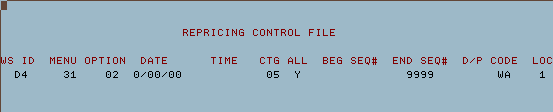
- Press ENTER to move past this screen
- In case of an alert screen click here

- In case of an alert screen click here
- Enter the category if you want to reprice all inventory items.
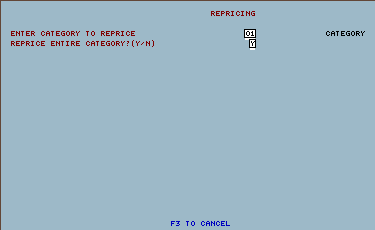
- Enter the start and End sequence numbers
0000
9999

- Enter the cost method used to calculate the new prices
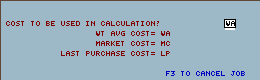
- Enter the % gross margin for the new prices
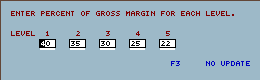
- Press ENTER to confirm
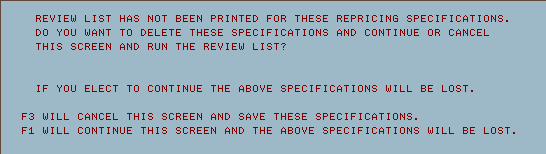
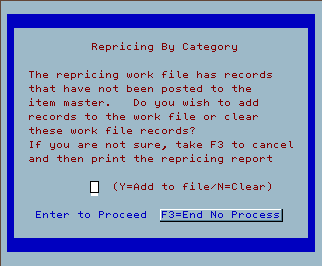
- If this screen prompts you can do one of the following
- F1 to clear the file and start a new category
- F3 to cancel

- Y = Add to existing file
- N = Clear and start a new file
- F3 = Cancel and return to previous menu

[back to top]
- Press enter on this screen to continue.

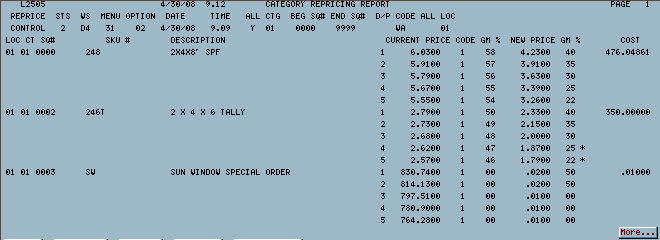
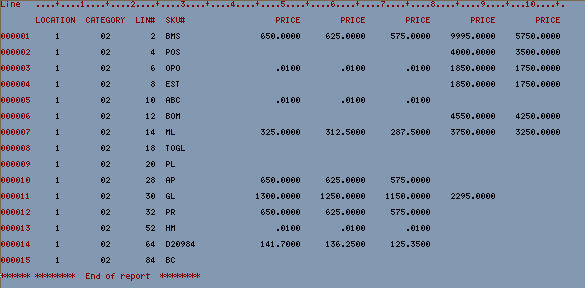
- Example of repricing report

- Example 2 of repricing report

- Review this information and continue to next step if necessary
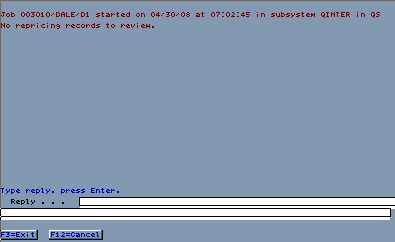
- If the following error message appears type a 'C' cancel and press
ENTER. If no error appears continue to the next option.

IU 14, 4 - Post to inventory
- Once you select this option the inventory will be immediately updated
and you will be returned to the IU 14 (Repricing Menu)
[back to top]
|