IBM Server Site

IBS Home Up

238x, 239x General Maintenance

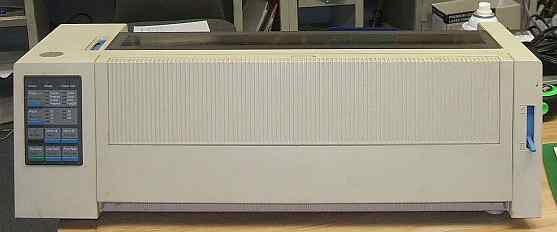
Lexmark 2380 Front View

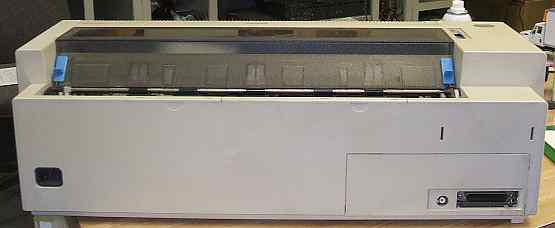
Lexmark 2380 Rear View

Removing the Ribbon Cartridge

  1. Turn the printer off
  2. Remove the top cover
  3. Set the forms thickness lever to position 7
  4. Squeeze the left and right latches on the ribbon cartridge and lift.

Cleaning the Printer

  1. Turn the printer off
  2. Unplug the power cord
  3. Wait until the printhead is cool

    Cleaning the inside: Every three months, use a soft brush and a vacuum to remove dust, ribbon lint, sawdust, and pieces of paper. Remove the ribbon cartridge to prevent the ribbon from going into the vacuum. Vacuum any dust from around the printhead and in the printer cavity.

    Cleaning the cover: Clean the outside of the printer with a damp cloth and mild soap. DO NOT use any spray-type or chemical cleaners anywhere on your printer. Do not put any liquids or spray near the air vents. For stubborn ink stains on the cover, use a commercial mechanic's hand cleaner.

[back to top]

IBS Lumber and Building Material Software Copyright © 2006 IBS Lumber Software Inc (TM)
Last modified: November 7, 2011

IBS Sales & Support 888-640-1252
Main Office 888-640-1252
Fax IBS 877-712-8937

All pages contained in this support website are not intended for general public distribution. Any material here can be considered private, confidential with various copyrights and restrictions against public release. You 'the browser' cannot legally release this information for general public distribution.

remote support: http://www.gotomeeting.com | remote support download program