|

 
| |
II 12 - Display Entire Inventory File
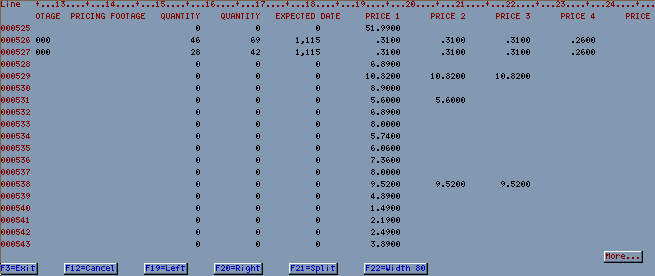
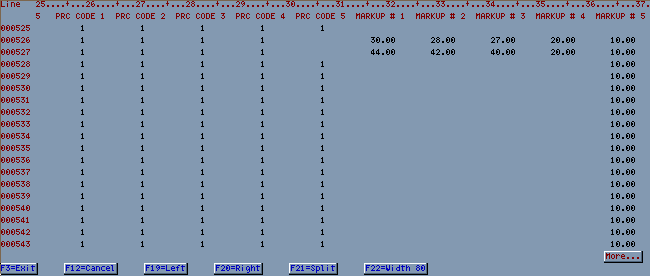
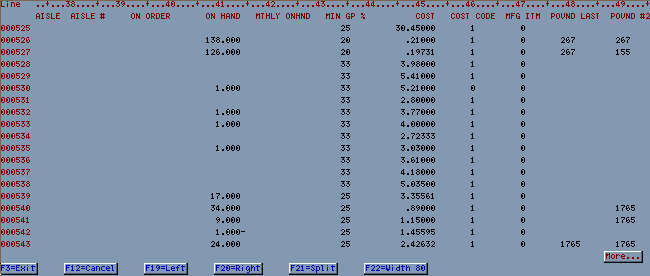
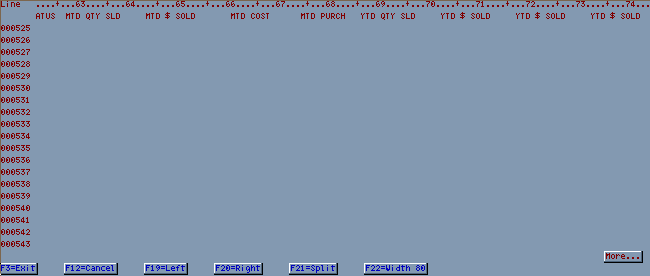
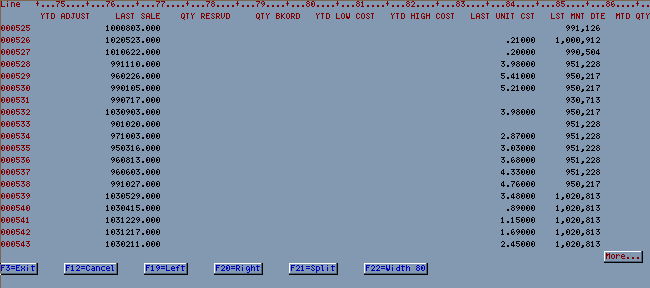
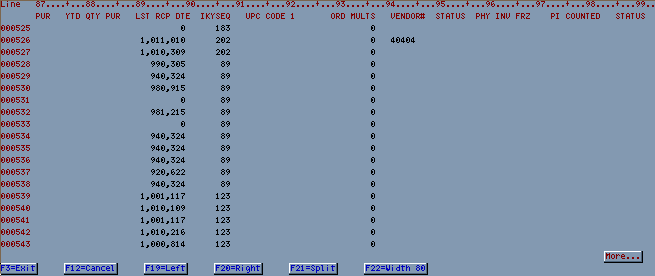
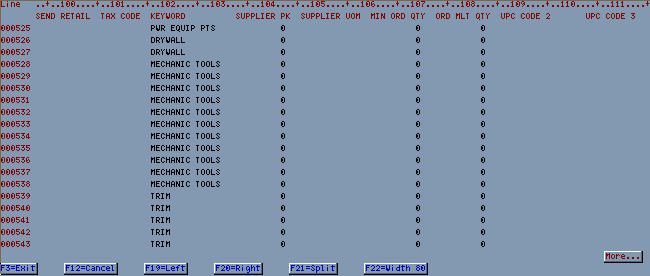
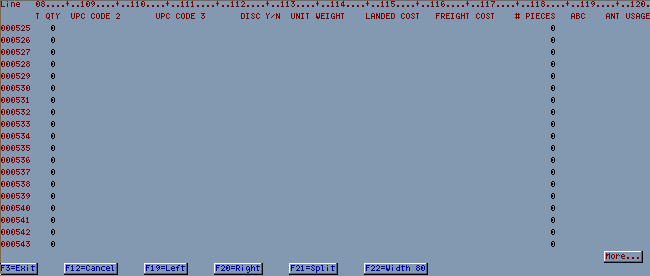
This option will display all information within the inventory file.
Option commands
- Movement commands
- B (Bottom) - moves to bottom
- T (Top) - moves to top
- Enter line number to jump to a specific line item
- +25 scrolls forward 25 lines, +50 scrolls forward 50 lines, etc.
- -25 scrolls back 25 lines, -50 scrolls back 50 lines, etc.
- F19 (Left) scrolls left
- F20 (Right) scrolls right
Screen 1
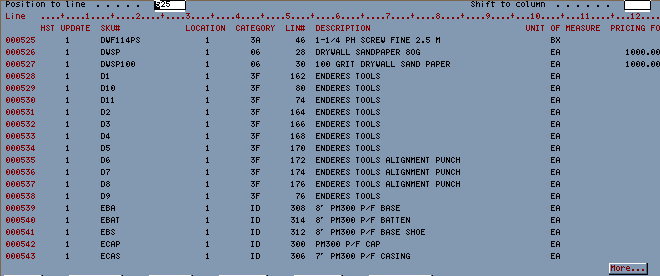
Screen 1 - (F20 scroll right 1x)

Screen 1 - (F20 scroll right 2x)
Screen 1 - (F20 scroll right 3x)
Screen 1 - (F20 scroll right 4x)

Screen 1 (F20 scroll right 5x)
Screen 1 (F20 scroll right 6x)

Screen 1 (F20 scroll right 7x)

Screen 1 (F20 scroll right 8x)

|