IBM Server Site

IBS Home Up AI - AP Inquiry AP - UPDDTA access AR - A/P Report AU - AP Update Duplicate Checks Reverse Negative Problems & Errors Process Path

Accounts Payable Assistance

Software Releases

  • All systems installed 2006-present
  • Some systems installed 2005

If you use this software version your screen 'AU' (Accounts Payable Update) will look something like this.
Check Size

  • 12 pitch
  • Draft or Courier Font
  • 42 lines per page

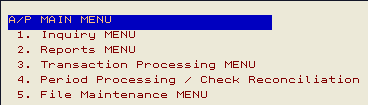
2008 Menu

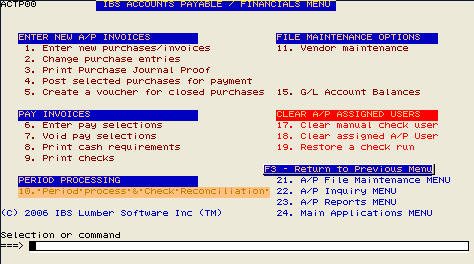
Gray Screen Layout Example

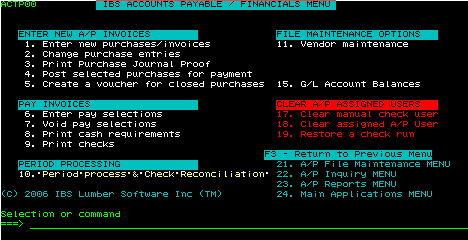
Key changes are combining screens 1-4 into a single screen

  • better screen layout
  • better ease of use
  • AU 3, 1 are now options 1-4
  • AU 3, 2 are now options 6-9
  • ZU 19, 19 is now option 18
  • Inquiry, Reports & Maintenance menu options have been moved to lower right of screen
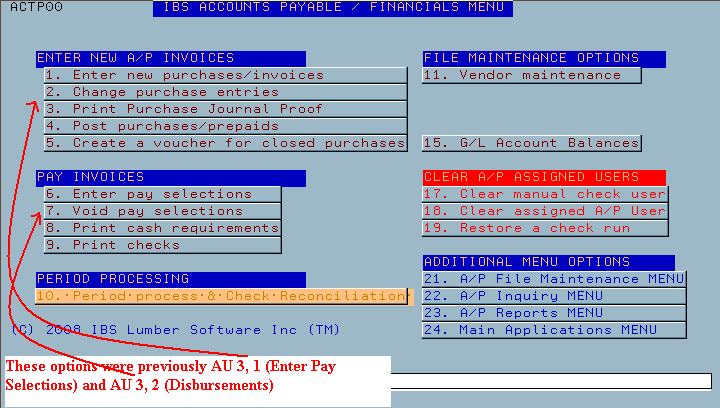

Green Screen Example

[back to top]

2007 Menu

Screen 1 Example

Screen 2 Example

Screen 3 Example

Screen 4 Example

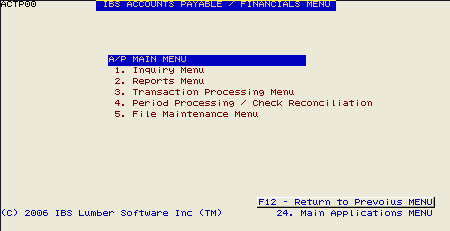
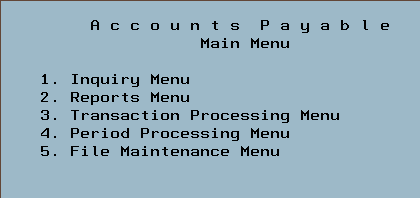
Version 3 Main Menu

  1. Displays the A/P Inquiry options
  2. Displays the A/P reports options
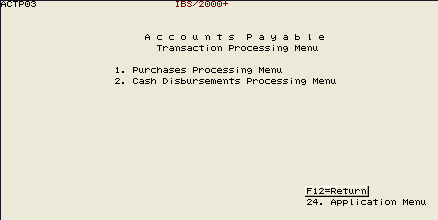
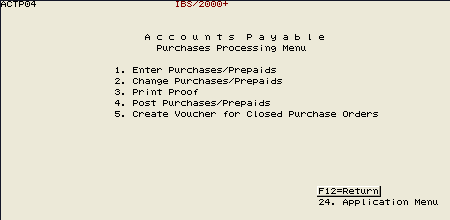
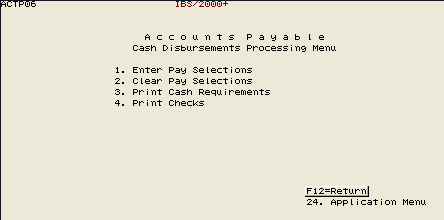
  3. Enter vouchers and print checks
  4. Review pending G/L postings and Reconcile Checks
  5. Vendor Maintenance, Purge Vouchers, Reverse Vouchers and Checks, Manual Check entry

[back to top]

IBS Lumber and Building Material Software Copyright © 2006 IBS Lumber Software Inc (TM)
Last modified: November 7, 2011

IBS Sales & Support 888-640-1252
Main Office 888-640-1252
Fax IBS 877-712-8937

All pages contained in this support website are not intended for general public distribution. Any material here can be considered private, confidential with various copyrights and restrictions against public release. You 'the browser' cannot legally release this information for general public distribution.

remote support: http://www.gotomeeting.com | remote support download program