IBM Server Site

IBS Home Up

Print Head Replacement

Equipment required

  • this process requires one small Phillips screwdriver

Time for replacement

  • entire process will require 5-10 minutes time

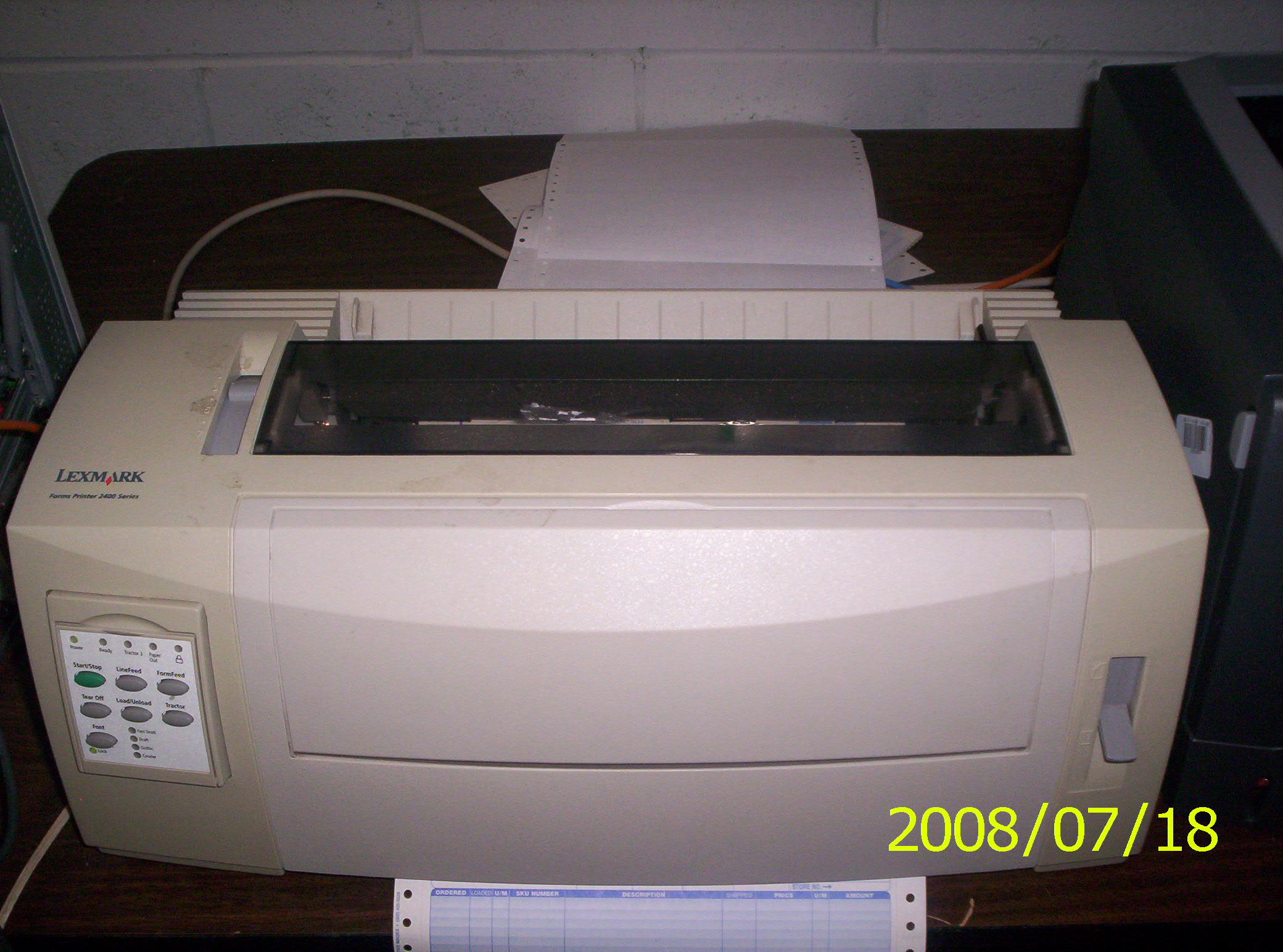
Step 1 - unload paper and power off printer

  • Remove excess paper in the back of the printer
  • Press the load/unload button on the control panel
  • Unload and remove paper from printer
  • Turn off printer (power button on the right side towards the back of the printer)

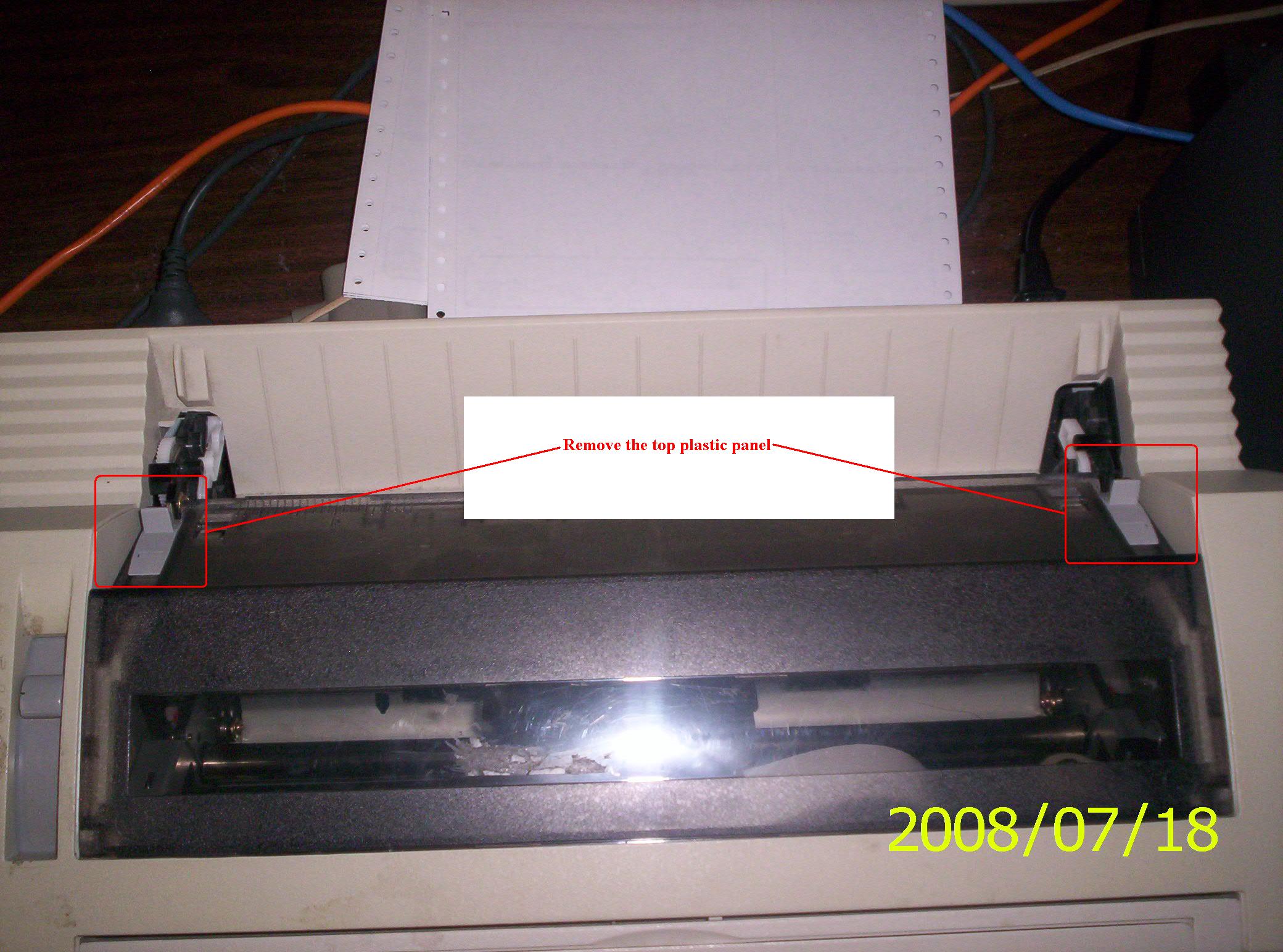
Step 2 - remove the top plastic cover

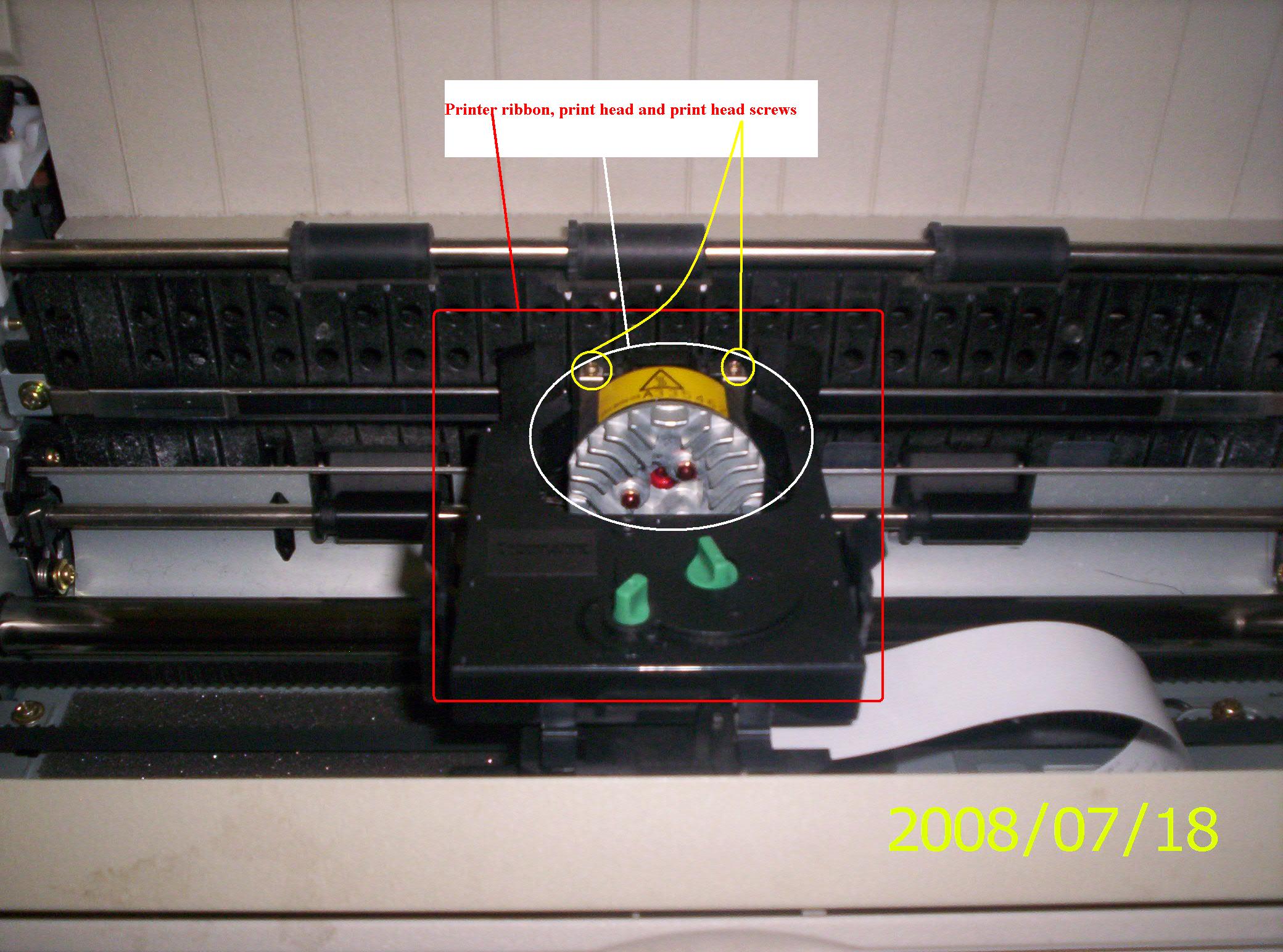
Step 3 - locate and remove the printer ribbon

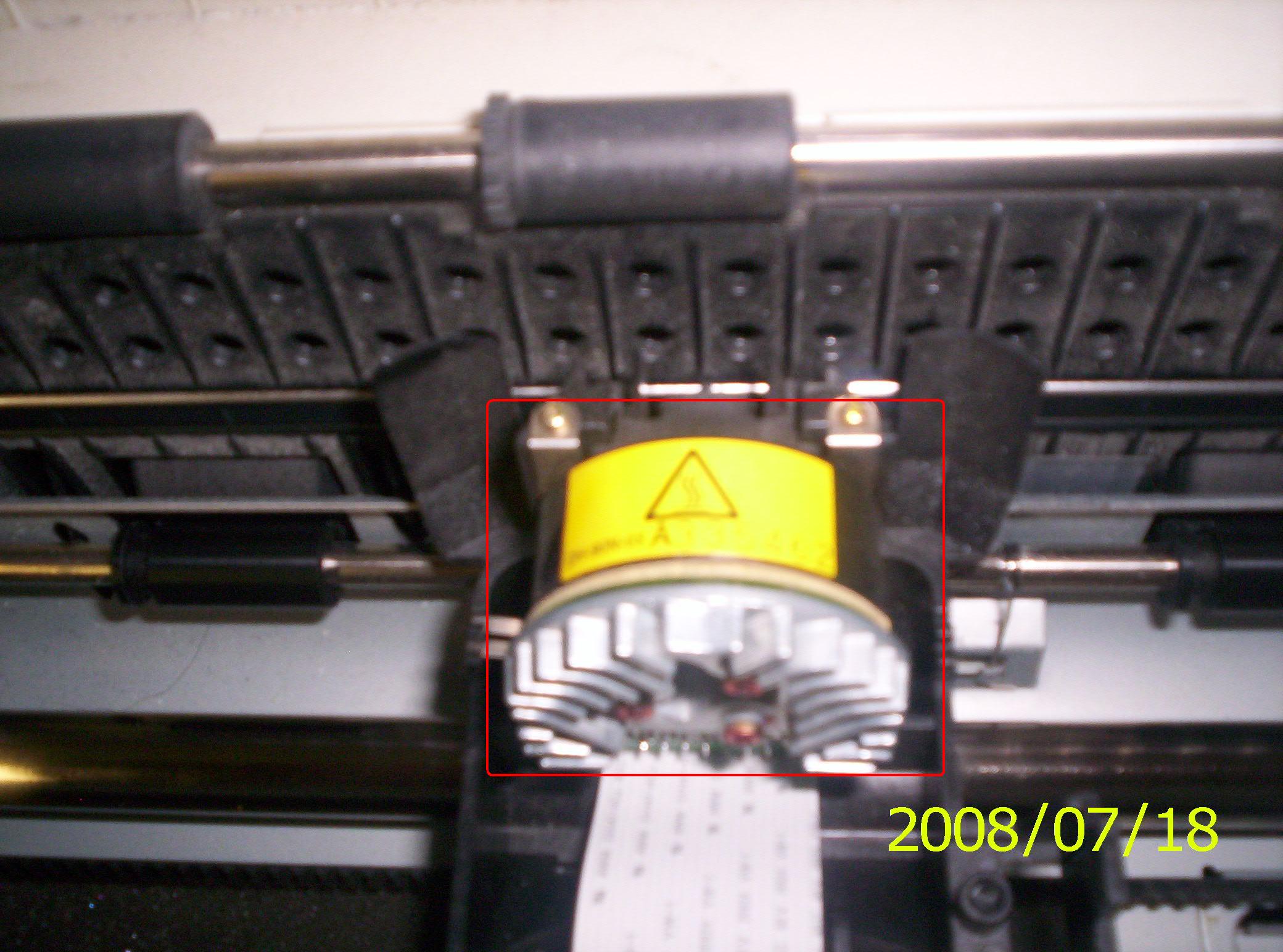
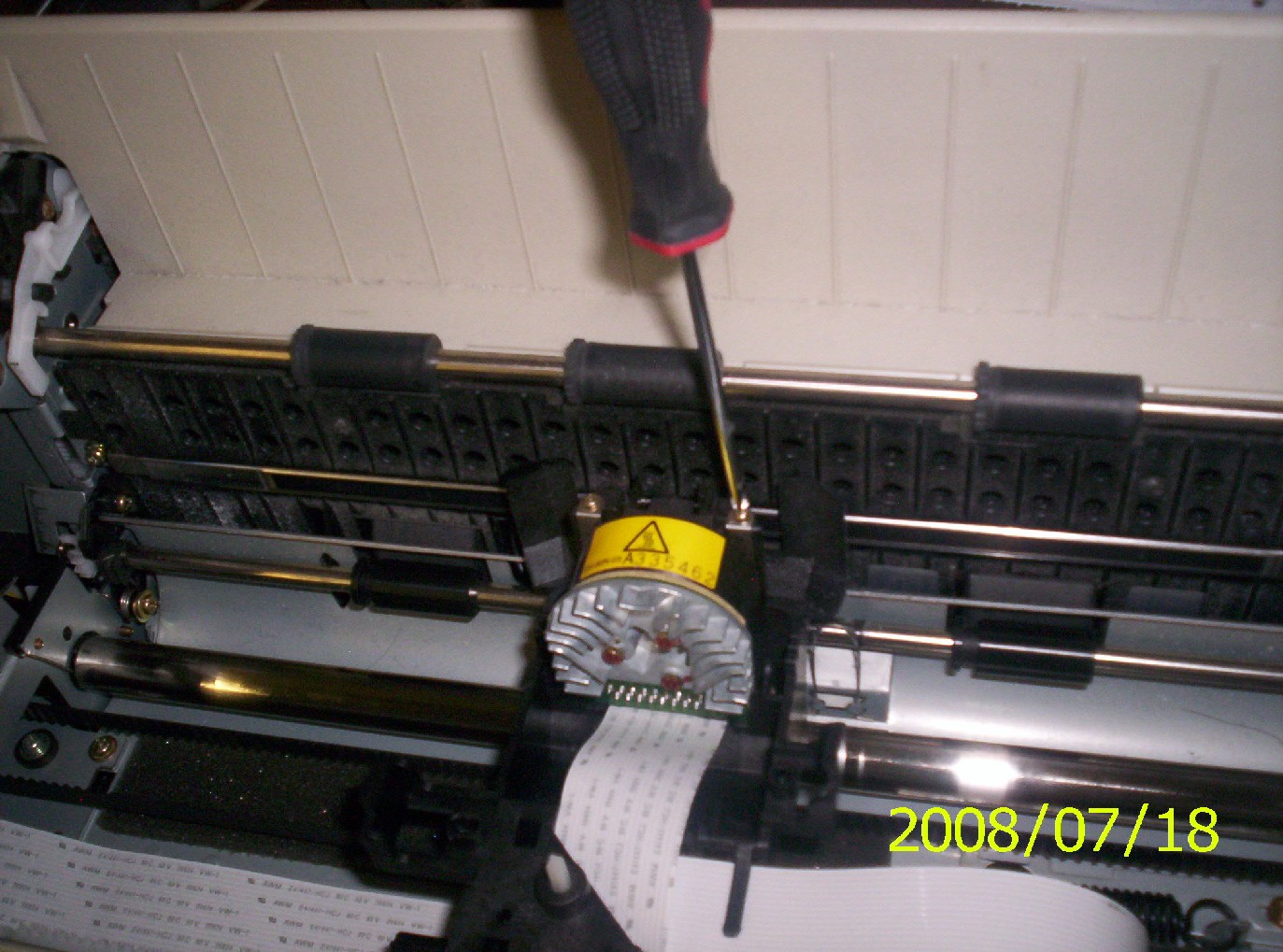
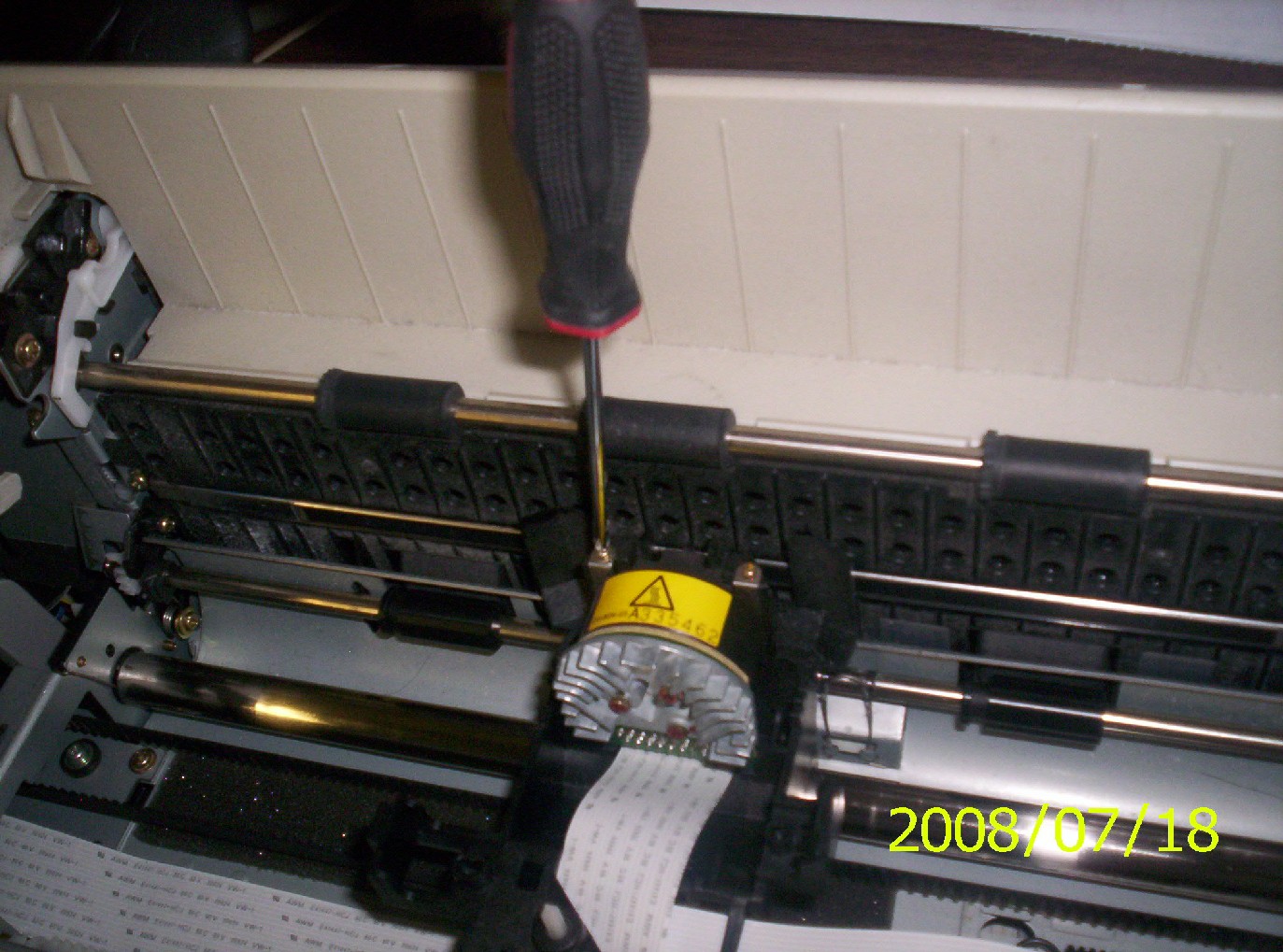
Step 4 - locate and remove the old print head

  • locate the print head

  • remove the two holding screws

Step 5 - Replace the equipment

  • place the new print head in the printer
  • replace the print head screws (2)
  • replace the ribbon
  • replace the top plastic cover

Step 6 - Test the printer

  • power on printer
  • reload paper
  • test printer
IBS Lumber and Building Material Software Copyright © 2006 IBS Lumber Software Inc (TM)
Last modified: November 7, 2011

IBS Sales & Support 888-640-1252
Main Office 888-640-1252
Fax IBS 877-712-8937

All pages contained in this support website are not intended for general public distribution. Any material here can be considered private, confidential with various copyrights and restrictions against public release. You 'the browser' cannot legally release this information for general public distribution.

remote support: http://www.gotomeeting.com | remote support download program