|

 
| |
GR 19 - IBS Posts by Account Number
*WARNING: This report can be thousands
of pages. Please verify that you want it before sending it to the printer.
Or, take the printer OFFLINE before starting the report!
What this report does
-
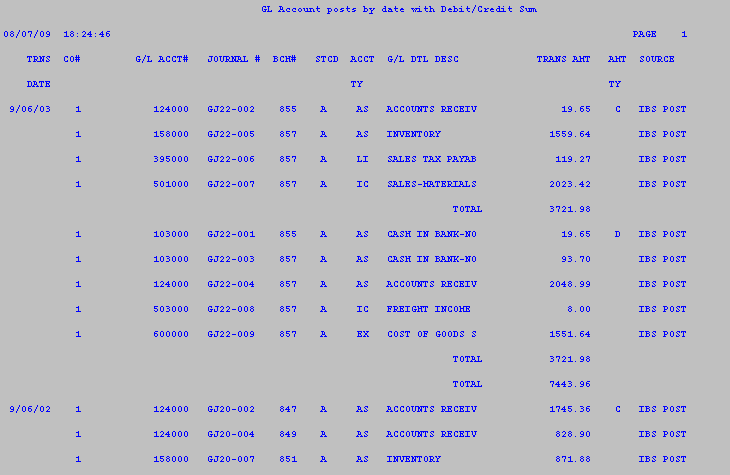
This report prints a listing of all IBS POSTS. An
'IBS POST' is any transaction from the
daily invoice register (MP 4 or MP 1,5) that is sent to the General
Ledger.
-
Examples of IBS POSTS are all inventory receiving, all
paid-on-accounts (e.g. ROAs), all sales, and all Payroll transactions.
How to select the report
- PLEASE PUT YOUR REPORTS PRINTER ON HOLD BEFORE CONTINUING
*NOTE on the 2010 IBS Release these
reports are automatically put on hold.
**If you aren't sure which version you have just take the printer offline or
close the reports printer session to be safe.
- From the main applications menu Go to GR (General Ledger Reports)
- Select option 19 (All G/L Postings).
The report will be generated.
Sample GR 19 All G/L Postings
|

